


Android 17 Beta 1: Google’s new update, better performance and privacy
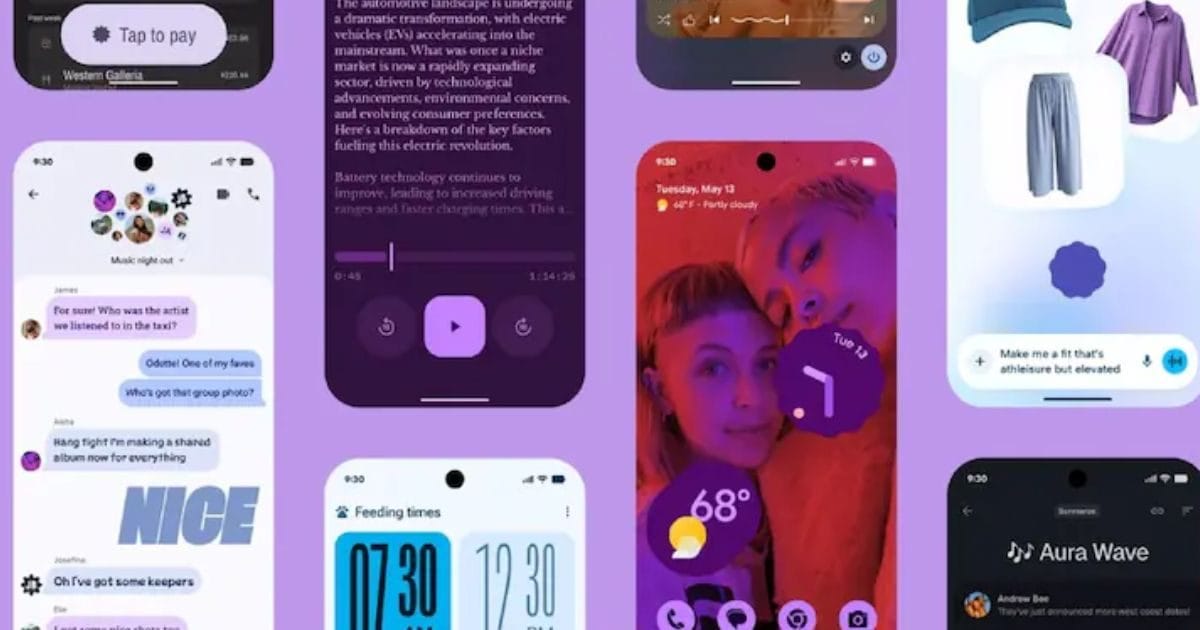
Google has released the first public beta version of Android 17, giving developers and common users a glimpse of the next major update to the mobile operating system. According to the company, this update focuses specifically on performance optimization, better privacy controls and advanced developer tools.
Also, Google has removed the traditional ‘Developer Preview’ model and has now started a Continuous Canary channel, through which developers will continue to get updates.
Performance and battery improvements
Background task management has been improved in Android 17 Beta 1, due to which apps will work more smoothly. During multitasking, the use of system resources will be more balanced than before. Google claims that this update will also improve power efficiency, which means it will have a positive impact on battery life.
Privacy and Security Controls
Permission management has been made more transparent in the new version. Now users will clearly see which app is accessing sensitive information like location, microphone and camera, when and how.
Additionally, changes to the audio framework have been implemented to tightly control background audio interactions, preventing audio playback or volume changes without user permission.
Support for media and large screens
Support for Virtual Video Calling (VVC) standard has been added in Android 17, which will provide better video compression and quality. Additionally, orientation and resizing restrictions have been removed for large screen devices like foldables and tablets, allowing apps to better adjust to the screen.
Changes in UI and notifications
Mild but effective changes have also been made in the user interface. System animations will be smoother and improvements will be seen in quick settings and notification panels. Also, a new limit has been imposed on the size of the custom notification view, which will reduce memory usage.
Pixel users how to install?
Android 17 beta 1 is currently available for supported Pixel smartphones. Users can enroll their device by visiting the Android Beta Program website and download the update by going to Settings > System > Software Update. Keep in mind, the beta version may have bugs, so it is better to install it on a secondary device.